
Self-hosted · Open source
A simple start page
for your homelab.
Keep your services in one place. Add your links, arrange them into groups, and make it your browser’s home page.
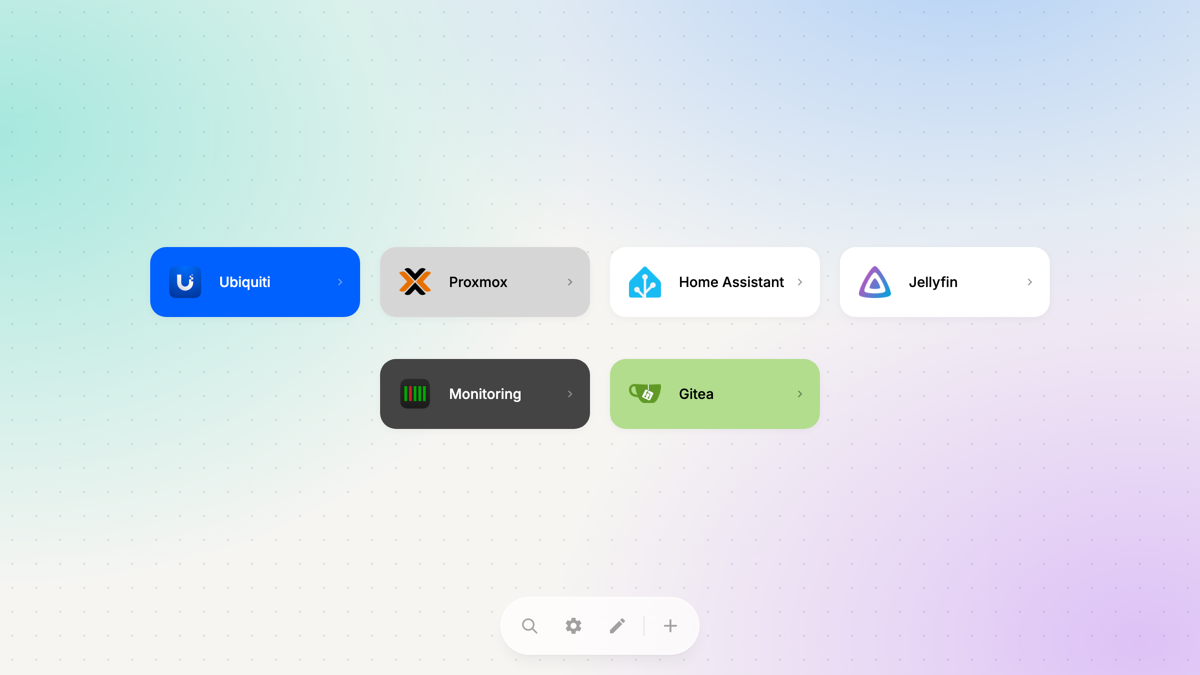
Links, kept in order.
Set it up in the browser.
Change it whenever you need to.
- Organize
- Drag links into groups and put them in any order. Add group names or leave them blank.
- Find
- Press / to search by name or hostname, then Enter to open the first result.
- Make it yours
- 50+ app presets, automatic favicons, custom colors, and light or dark themes. Adjust card sizes and links per row.
- Take it with you
- Import and export your links as JSON. Use the same start page on your desktop, tablet, or phone.
Run it yourself.
Start the container, open LobbyOS, and add your first link.
Docker Compose & documentation ↗Docker
docker run -d --name lobby-os \
  -p 8080:8080 \
  -v lobby_os_data:/srv/data \
  exelban/lobby-os:latest
Open localhost:8080 to get started.